$100
30 Days Free Support
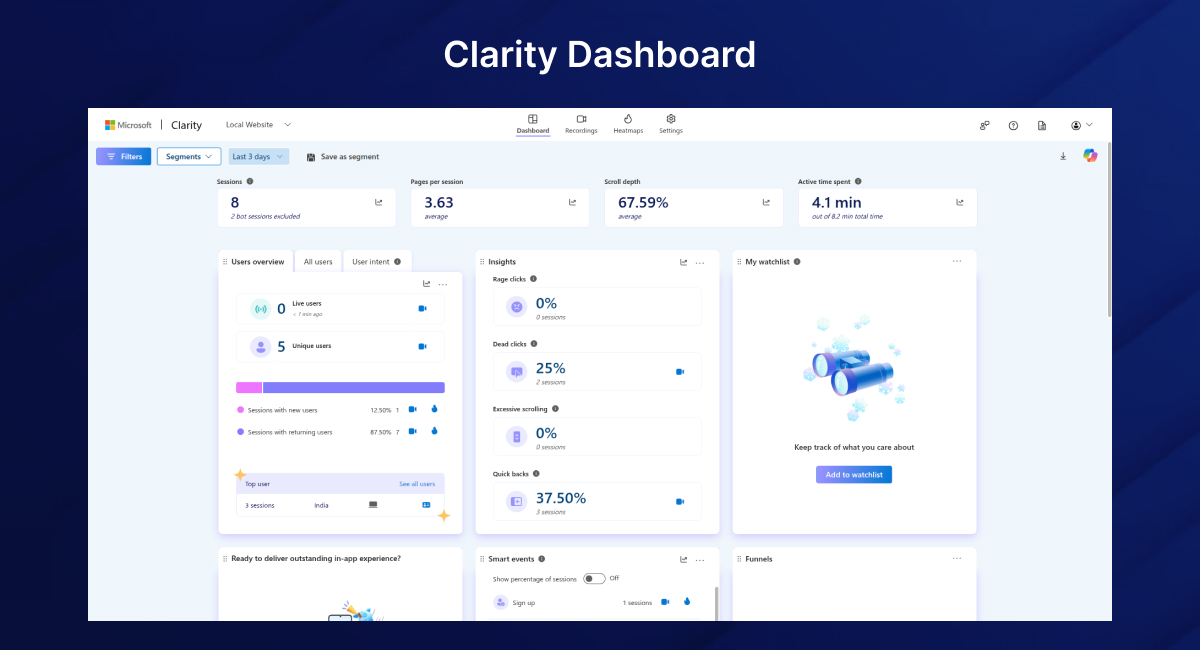
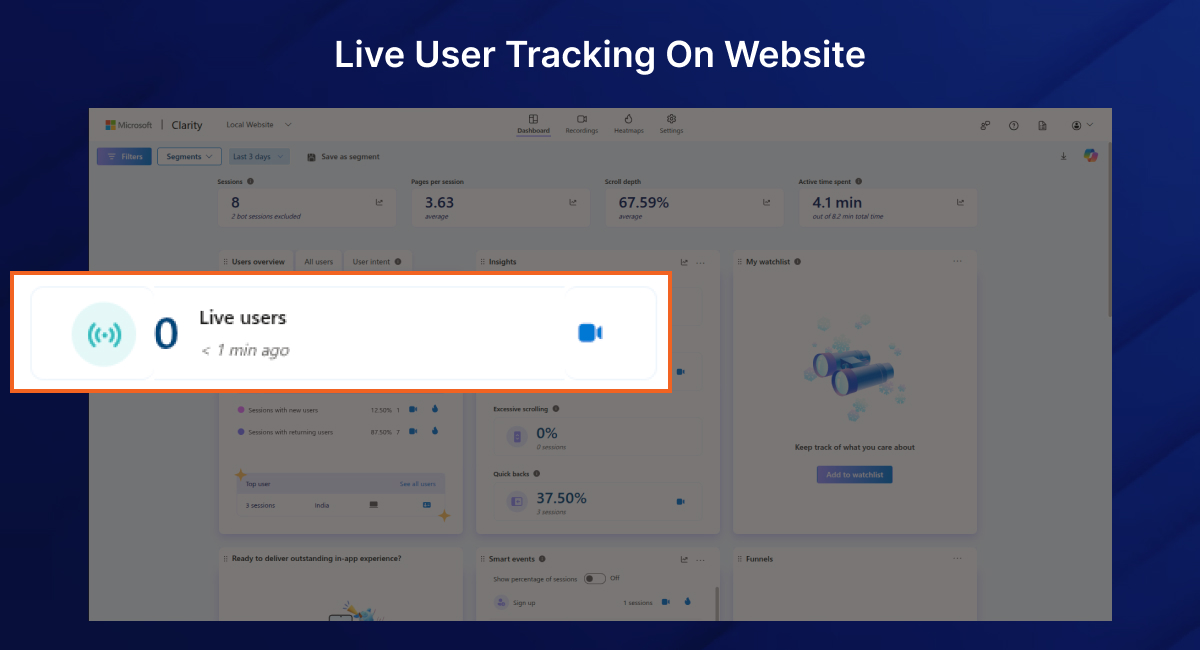
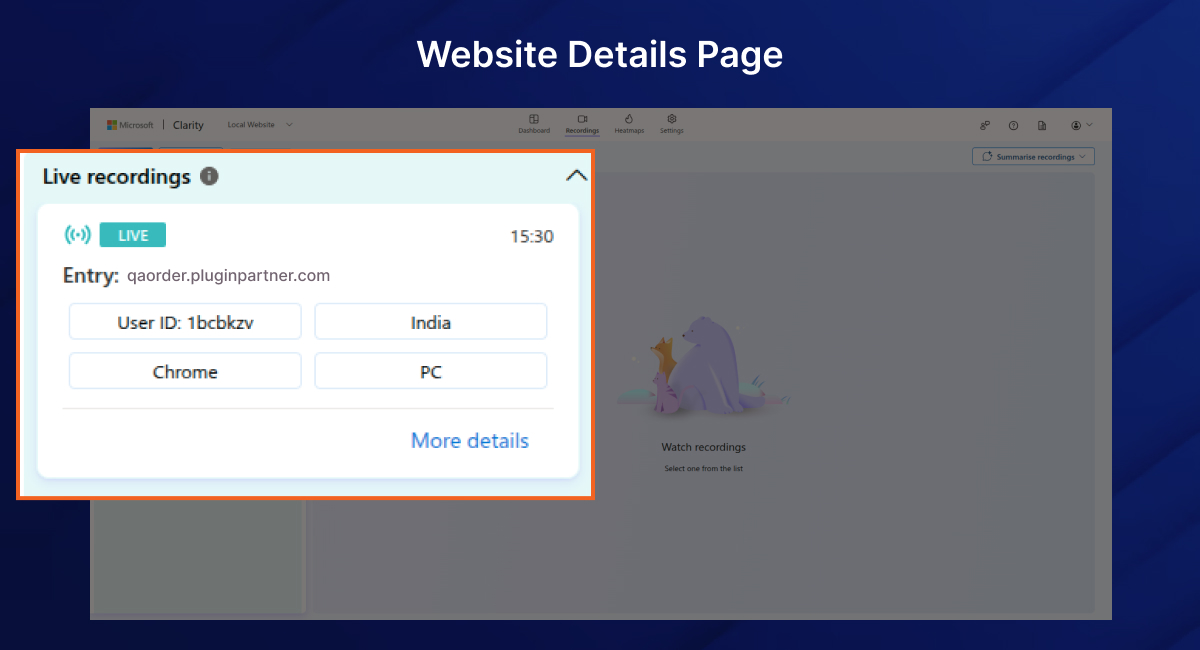
The Magento 2 Microsoft Clarity Connector enables smooth integration of Microsoft Clarity plugin for Magento 2. Using this Magento 2 analytics extension, store owners can record user sessions, generate heatmaps, and analyze clicks and scrolls to enhance conversion rates.
This Magento 2 Microsoft Clarity Integration offers effortless setup via the admin panel, letting merchants leverage Magento 2 session recording extension and customer journey analytics without touching any code.
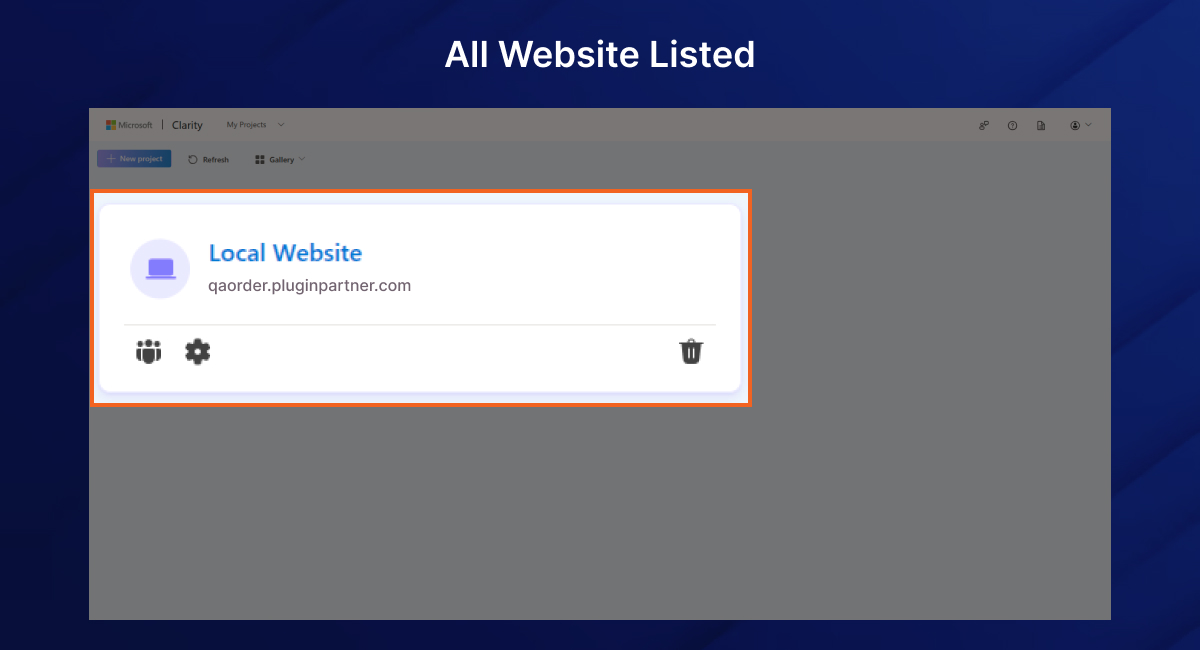
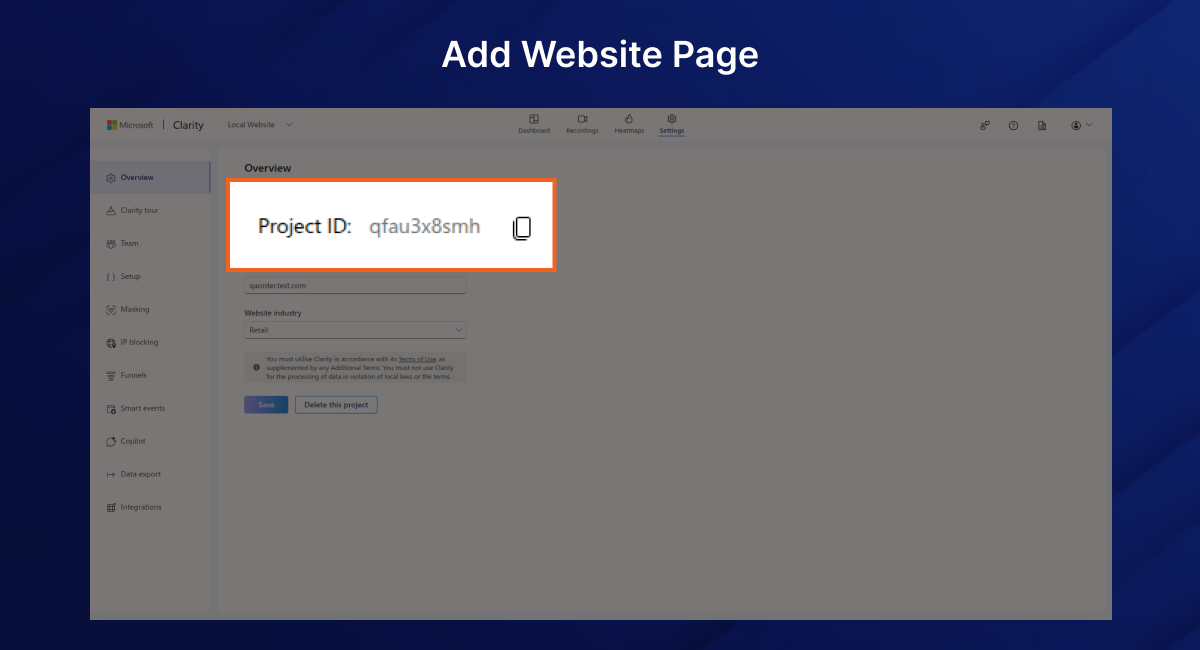
Admin Enters Clarity Project Key
Go to Stores > Configuration > Microsoft Clarity Settings, enable the Magento 2 Microsoft Clarity Extension, and enter your Clarity Project ID.
Script Auto Injected
Once saved, the Clarity tracking script is automatically embedded in the <head> section of every frontend page.
Location: Stores > Configuration > Microsoft Clarity > Integration Settings
| Setting Name | Description |
| Enable | Enable or disable the Magento 2 Microsoft Clarity Connector |
| Clarity Project ID | Your Microsoft Clarity Project ID |
composer require vendor/microsoftclarity
php bin/magento module:enable Vendor_MicrosoftClarity
php bin/magento setup:upgrade
php bin/magento cache:flush
This module uses the official Microsoft Clarity JavaScript SDK. All user session data is sent securely to Microsoft’s servers and managed under their privacy policy. No personal information is stored on your Magento server.
For assistance or feature requests, feel free to contact us via [support@pluginpartners.com]
 Microsoft Clarity Connector

 Verified ownerVerified ownerVerified owner
Frequently Asked Questions -
Microsoft Clarity Connector
All notable changes to this project will be documented in this file.

## [1.0.0] - 2025-08-08
### Added
- Initial release of **PluginPartner - Microsoft Clarity Integration** for Magento 2.
- Added system configuration section under **PluginPartner** for Clarity settings.
- Option to enable/disable Microsoft Clarity tracking from the admin panel.
- Field to set the Microsoft Clarity Tracking ID (Project ID).
- Frontend template and layout integration to inject Clarity script dynamically.
- PSR-4 autoload support via `composer.json`.
- Documentation including `README.md` and `CHANGELOG.md`.
We analyze your business, customer journeys, and competitors to define a clear roadmap. Using AI insights, we recommend premium Magento 2 extensions and pricing packages that drive ROI and long-term success.

$10

$230

$50
We analyze your business, customer journeys, and competitors to define a clear roadmap. Using AI insights, we recommend premium Magento 2 extensions and pricing packages that drive ROI and long-term success.
Unlock Smarter E-Commerce
 thakur.balkrishna
Magento continues to evolve with each release, bringing enhanced performance, stronger security, and improved features for merchants and developers. The release of Magento 2.4.8 introduces critical security patches, platform enhancements,...