$150
30 Days Free Support
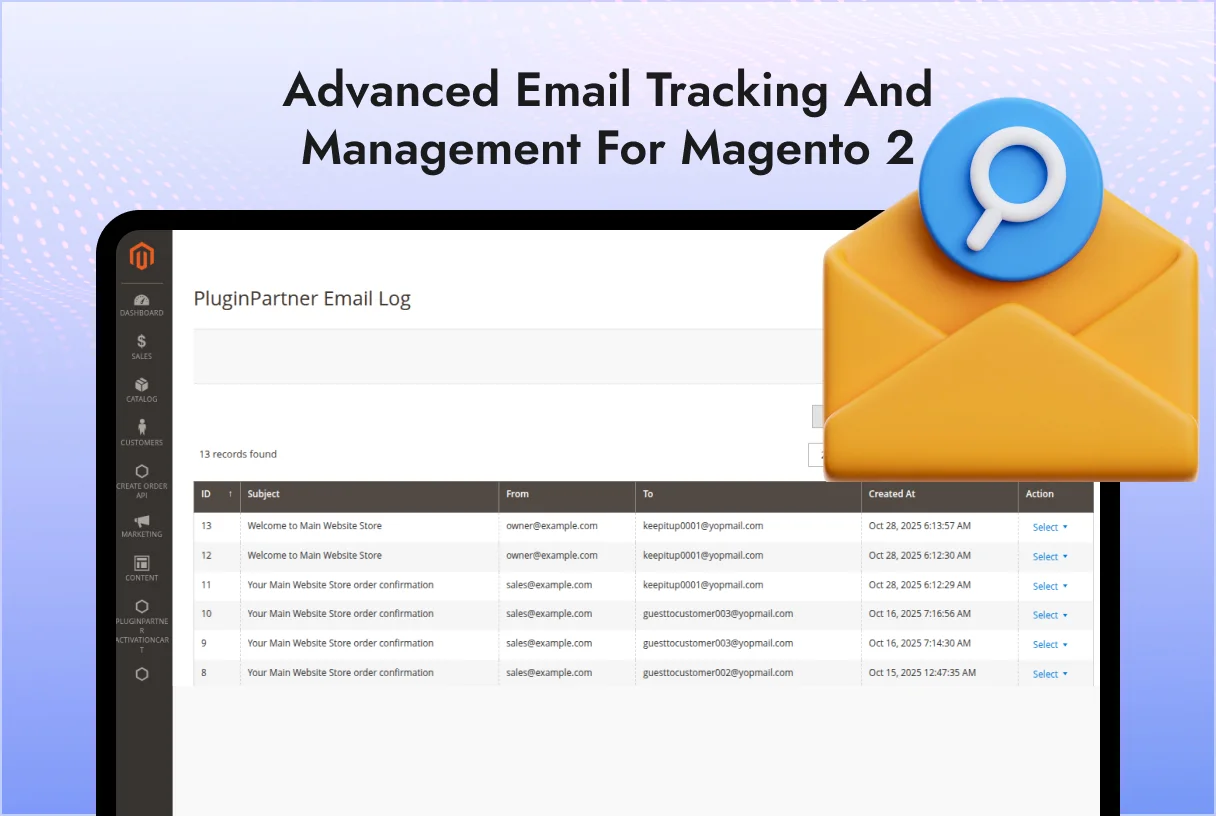
The PluginPartner_EmailLog module for Magento 2 provides advanced email tracking and management.
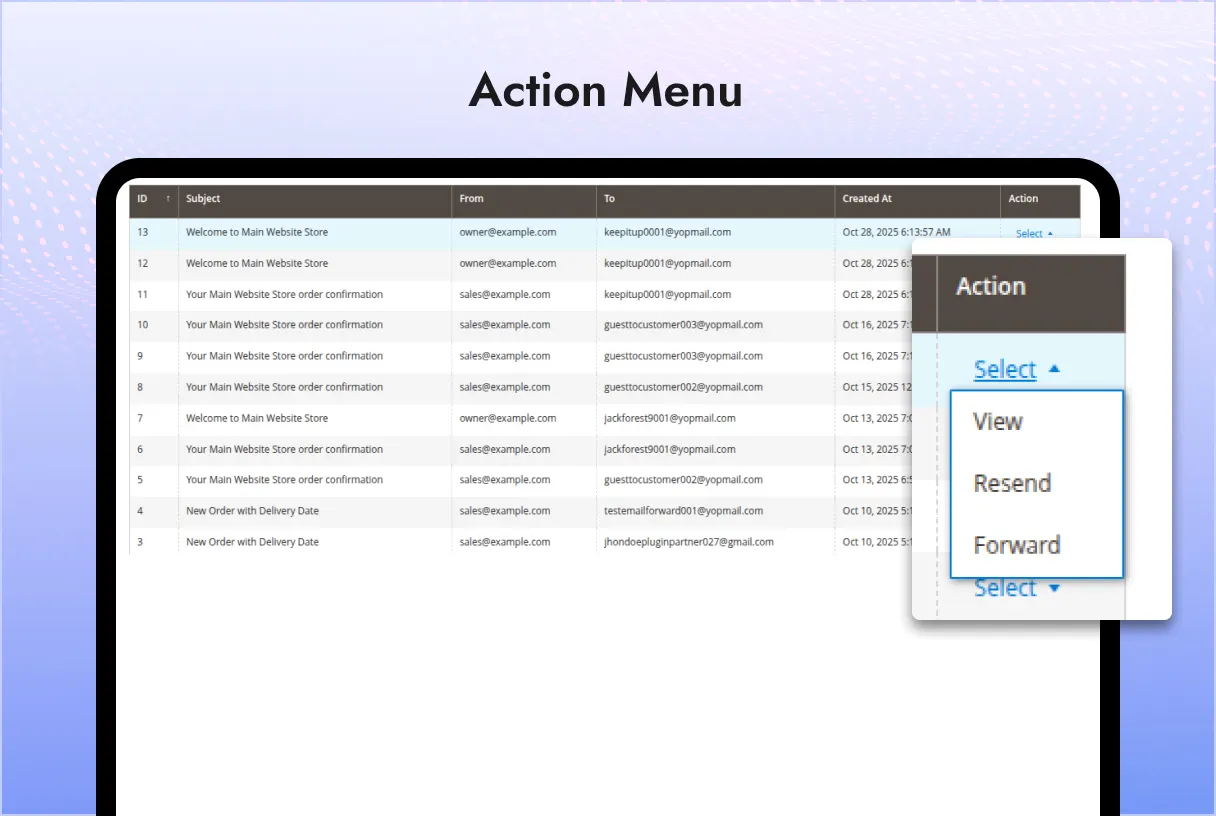
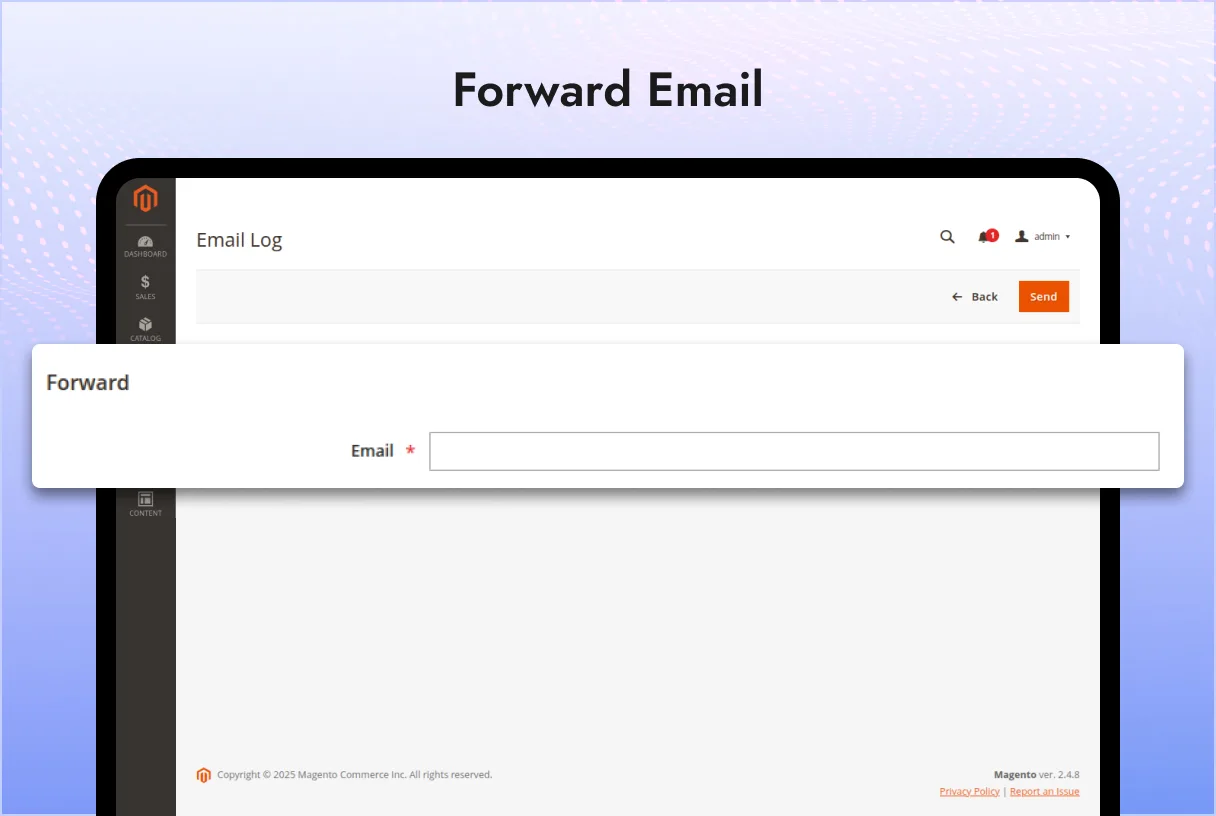
It logs every email sent from your Magento store, allows viewing, resending, and forwarding logged emails directly from the admin grid.
It also includes whitelist, blacklist, and automatic cleanup functionalities for full control over email logging and delivery.
Place the module in: app/code/PluginPartner/EmailLog
Run the following Magento CLI commands:
php bin/magento module:enable PluginPartner_EmailLog
php bin/magento setup:upgrade
php bin/magento cache:flush
Confirm the module is enabled:
php bin/magento module:status
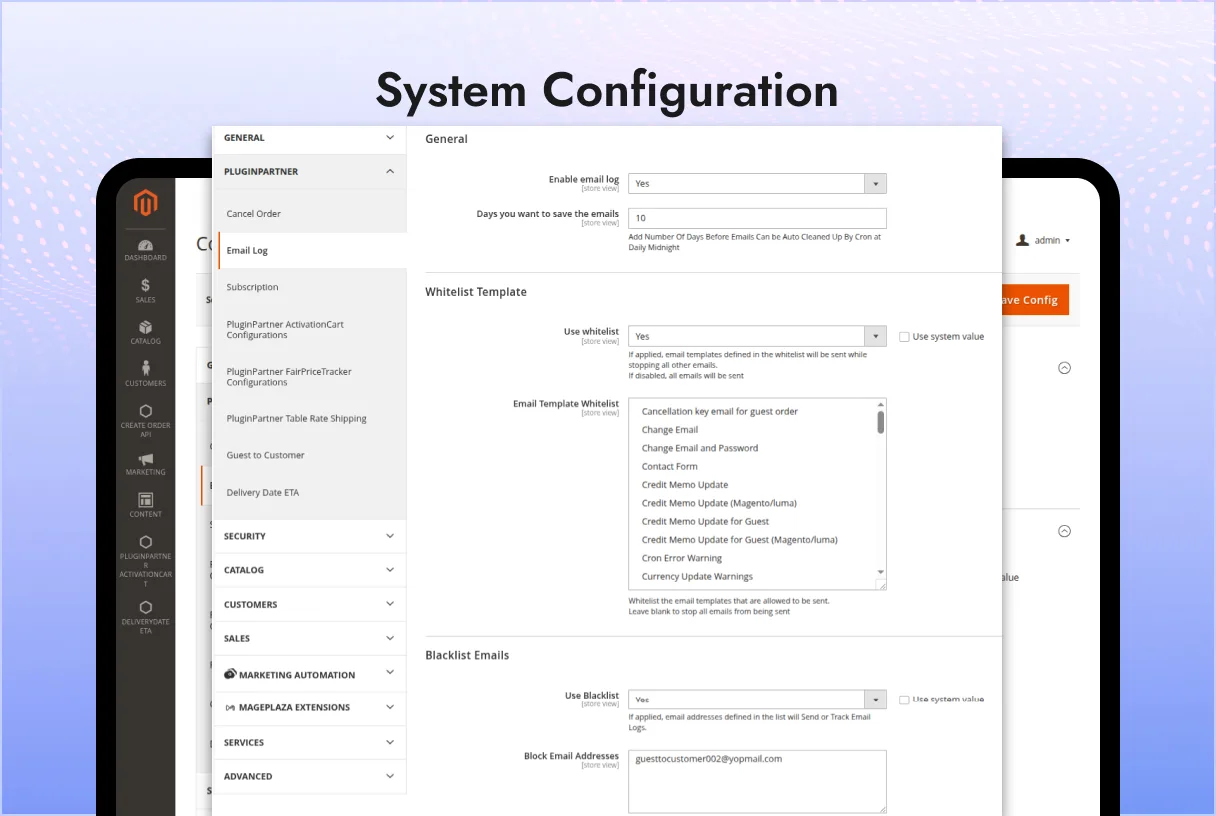
Navigate to: Stores > Configuration > PluginPartner > Email Log
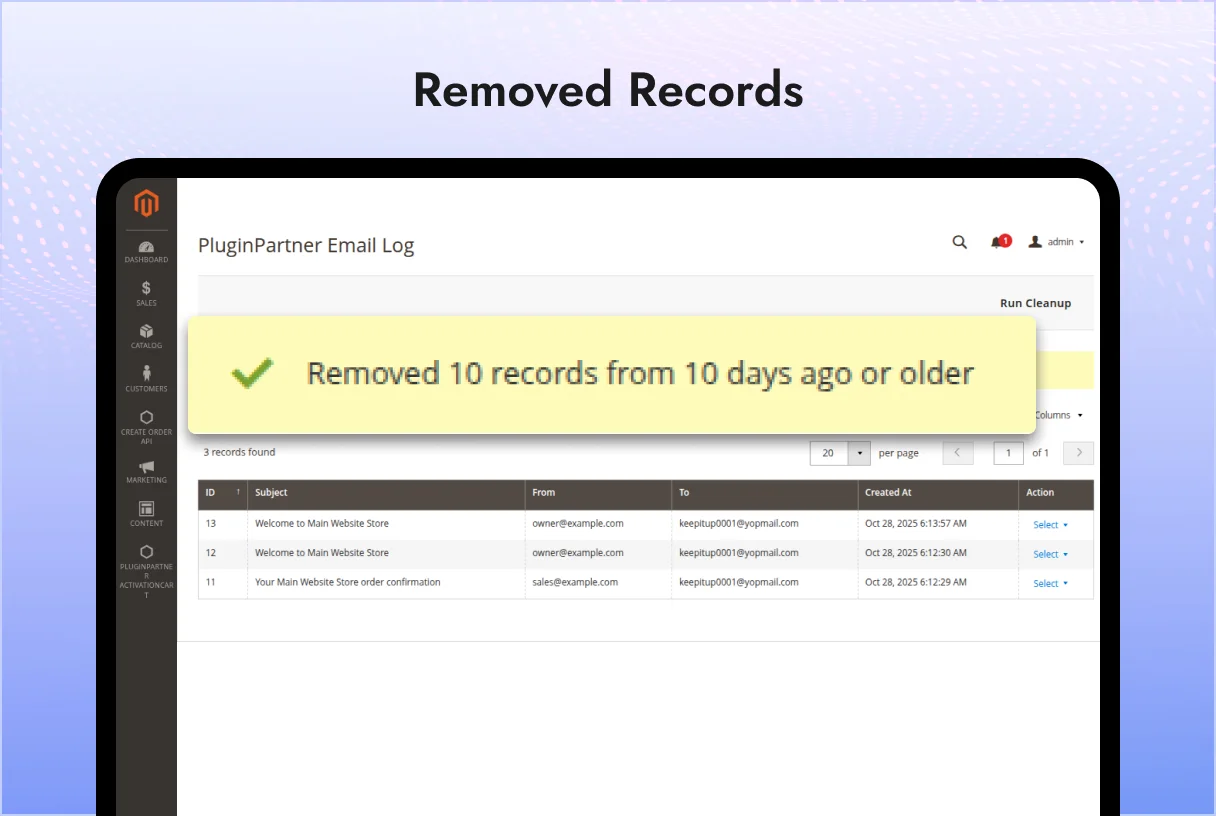
General Field Example / Default Description Enable Email Log Yes Enables or disables email logging. Days You Want to Save the Emails 10 Number of days before logged emails are auto-cleaned by cron (runs daily at midnight).
Whitelist Template Field Example / Default Description Use Whitelist Yes If enabled, only whitelisted templates will be sent; all others will be blocked. Email Template Whitelist List of allowed templates Choose templates that are permitted to send emails. Leave blank to block all outgoing emails.
Blacklist Emails Field Example / Default Description Use Blacklist Yes Enables blocking or exclusion of specified email addresses from logging or sending. Block Email Addresses guesttocustomer002@yopmail.com Add multiple addresses separated by commas. Example: johndoe@gmail.com,janedoe@yahoo.com
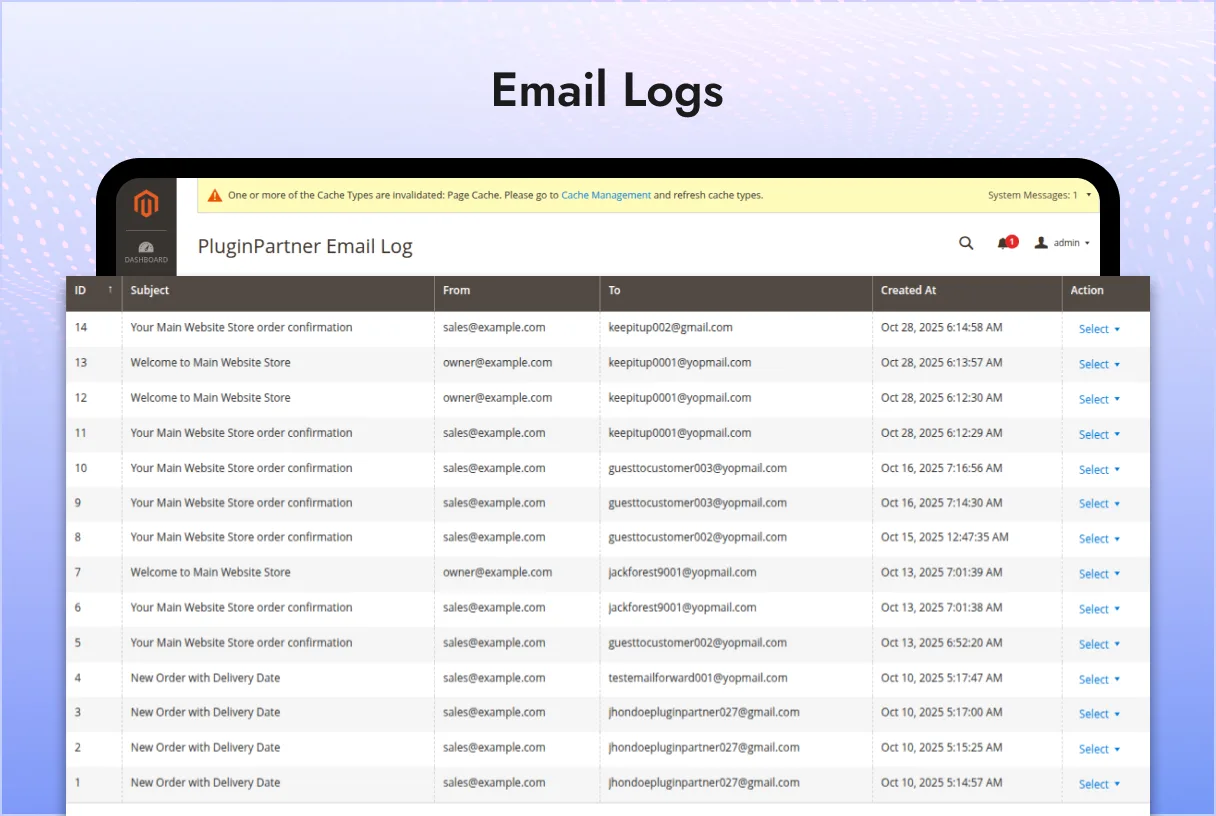
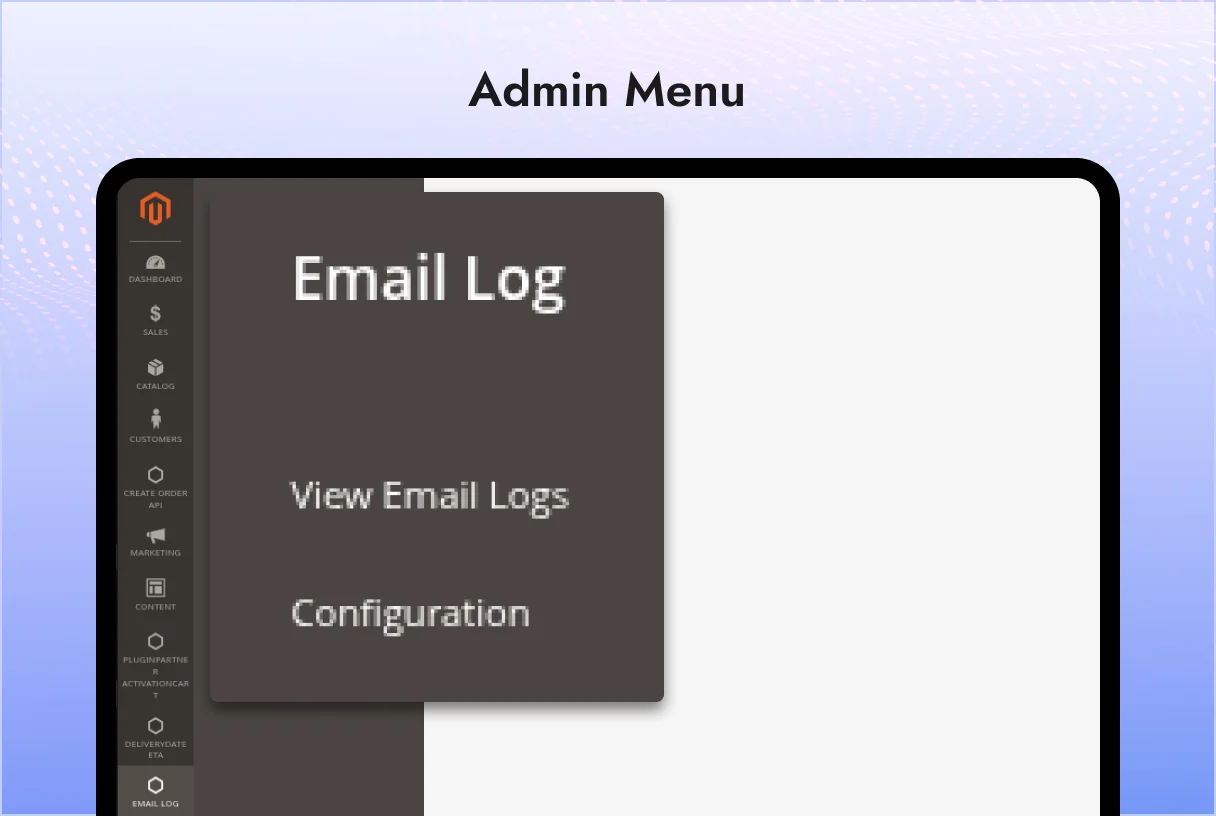
Every time Magento sends an email, it is automatically logged in the admin grid.
From the grid, the admin can: View the email content. Resend or Forward the email to another address. The system automatically cleans up old email logs based on configured days. Emails sent to blacklisted addresses will not be logged. When whitelist is enabled, only templates in the whitelist will be processed and sent.
Magento 2.4.x
For issues, suggestions, or feature requests, please contact PluginPartner Support.
This module is licensed for use within your Magento instance. Redistribution or modification requires prior written permission from PluginPartner.
 Email Logs

 Verified ownerVerified ownerVerified owner
Frequently Asked Questions -
Email Logs
We analyze your business, customer journeys, and competitors to define a clear roadmap. Using AI insights, we recommend premium Magento 2 extensions and pricing packages that drive ROI and long-term success.

$230

$70

$70
We analyze your business, customer journeys, and competitors to define a clear roadmap. Using AI insights, we recommend premium Magento 2 extensions and pricing packages that drive ROI and long-term success.
Unlock Smarter E-Commerce
 thakur.balkrishna
Magento continues to evolve with each release, bringing enhanced performance, stronger security, and improved features for merchants and developers. The release of Magento 2.4.8 introduces critical security patches, platform enhancements,...