$100
30 Days Free Support
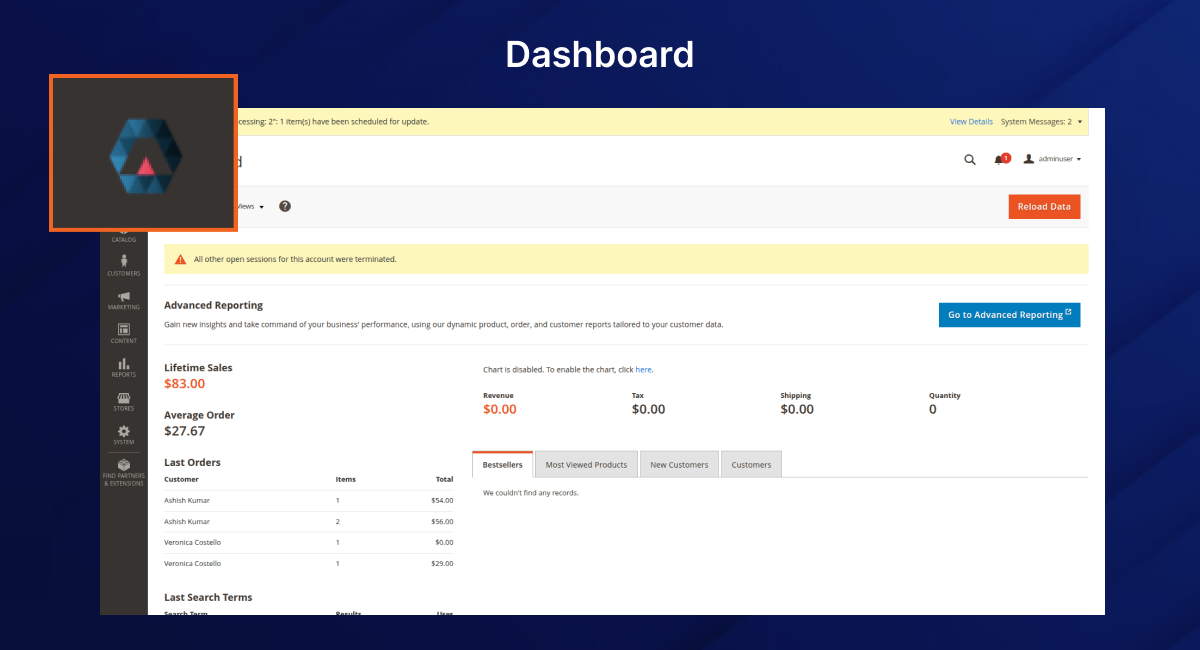
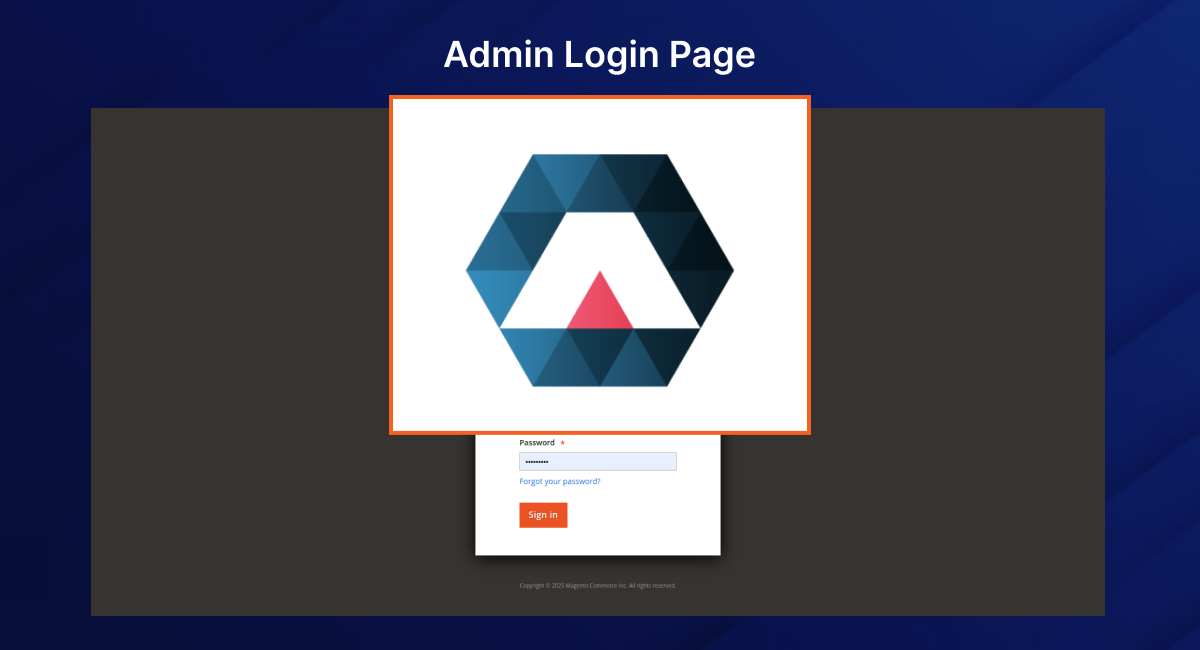
The Magento 2 Admin Logo Extension by PluginPartner allows you to replace the default Magento logo in the Admin Login Page and the Admin Dashboard Header with your own custom brand logo.
This lightweight Magento 2 Admin Branding Extension helps you personalize the Magento backend for your team or clients, ensuring consistent brand identity and a professional look across your business operations. It’s the easiest way to implement Magento 2 backend personalization without coding.
If you’re looking for the best Magento 2 plugin to replace admin login logo, this is the right choice.
1. Composer Installation (Recommended)
Run the following command from your Magento root directory:
composer require pluginpartner/module-adminlogo
bin/magento module:enable PluginPartner_Adminlogo
bin/magento setup:upgrade
bin/magento setup:di:compile
bin/magento setup:static-content:deploy -f
bin/magento cache:flush
2. Manual Installation
Extract and copy it into:
app/code/PluginPartner/Adminlogo
bin/magento module:enable PluginPartner_Adminlogo
bin/magento setup:upgrade
bin/magento setup:static-content:deploy -f
bin/magento cache:flush
The Magento 2 logo replacement tool overrides the logo block via layout XML files:
Both files point to:
PluginPartner_Adminlogo/images/logo.png
Step 1: Locate the Logo File
Replace the default image located at:
app/code/PluginPartner/Adminlogo/view/adminhtml/web/images/logo.png
Step 2: Upload Your Logo
Step 3: Deploy & Clear Cache
After replacing the logo, run:
bin/magento setup:static-content:deploy -f
bin/magento cache:flush
Your custom brand logo will now appear in both the Magento 2 admin login page and the dashboard header.
To disable the module:
bin/magento module:disable PluginPartner_Adminlogo
bin/magento setup:upgrade
bin/magento cache:flush
You can buy Magento 2 Admin Logo Extension directly from PluginPartner, a trusted provider of premium Magento 2 plugins and admin branding solutions. This Magento 2 paid admin logo plugin is lightweight, reliable, and fully supported.
 Magento 2 Admin Logo Extension

 Verified ownerVerified ownerVerified owner
Frequently Asked Questions -
Magento 2 Admin Logo Extension
PluginPartner_Adminlogo module.view/adminhtml/web/images/logo.png.We analyze your business, customer journeys, and competitors to define a clear roadmap. Using AI insights, we recommend premium Magento 2 extensions and pricing packages that drive ROI and long-term success.

$230

$70

$100
We analyze your business, customer journeys, and competitors to define a clear roadmap. Using AI insights, we recommend premium Magento 2 extensions and pricing packages that drive ROI and long-term success.
Unlock Smarter E-Commerce
 thakur.balkrishna
Magento continues to evolve with each release, bringing enhanced performance, stronger security, and improved features for merchants and developers. The release of Magento 2.4.8 introduces critical security patches, platform enhancements,...