Microsoft Clarity Connector

$100

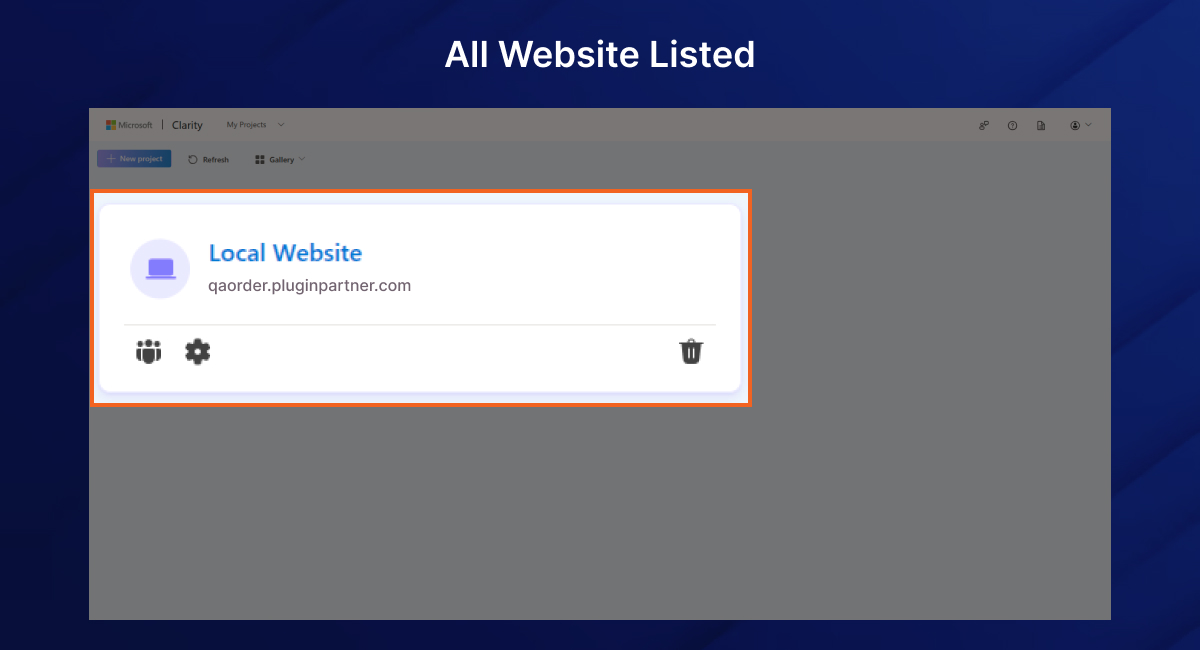
The Magento 2 Microsoft Clarity Connector Module allows store administrators to easily integrate Microsoft Clarity plugin for Magento 2 — a powerful free analytics tool that records user sessions, heatmaps, and interaction insights — directly into their Magento 2 website.
This Magento 2 Microsoft Clarity Extension offers a seamless setup via the Magento Admin Panel, enabling store owners to track

customer behaviour with Magento 2 user behavior tracking, optimize user experience, and gain valuable insights into how users interact with their storefront — all visible in the Clarity dashboard.

30 Days Free Support

The Magento 2 Microsoft Clarity Connector enables smooth integration of Microsoft Clarity plugin for Magento 2. Using this Magento 2 analytics extension, store owners can record user sessions, generate heatmaps, and analyze clicks and scrolls to enhance conversion rates.

This Magento 2 Microsoft Clarity Integration offers effortless setup via the admin panel, letting merchants leverage Magento 2 session recording extension and customer journey analytics without touching any code.

Key Features

  • Admin Configuration Panel to enter and manage Microsoft Clarity Project ID
  • Auto Embed Clarity Script on all frontend pages once enabled
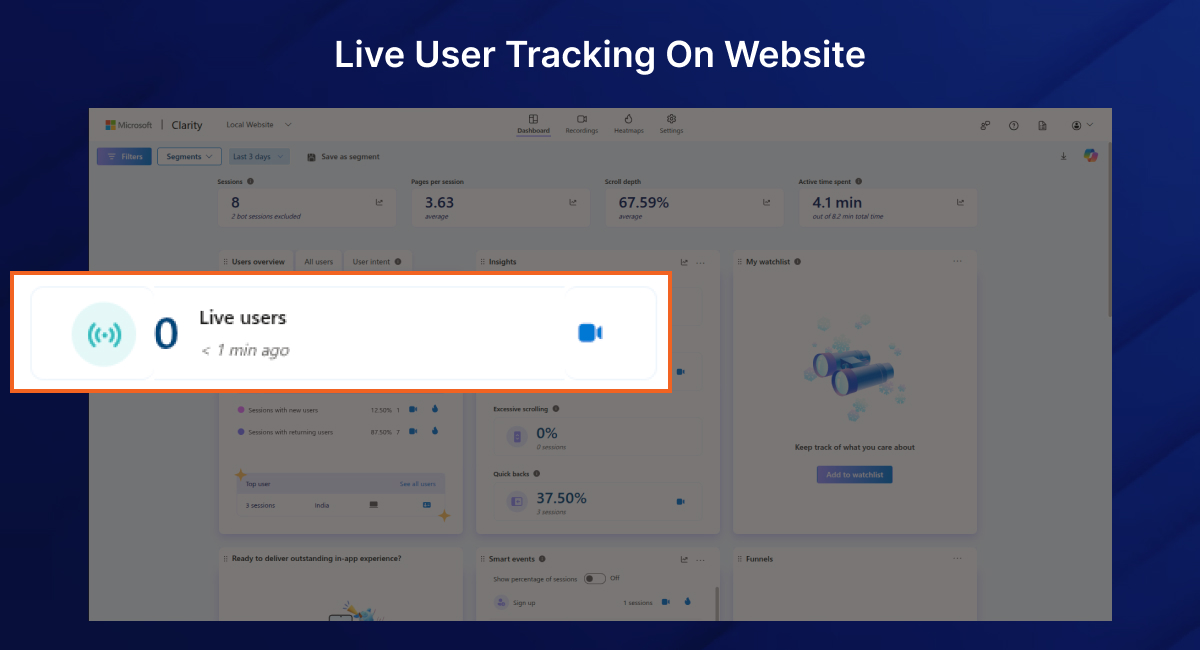
  • Real-time Magento 2 user behavior tracking including clicks, scrolls, and navigation
  • Works with both Luma and Custom Magento Themes
  • No Code Changes Required on theme files
  • Lightweight & Performance Friendly
  • Supports Magento 2 conversion optimization extension features

 How It Works

Admin Enters Clarity Project Key
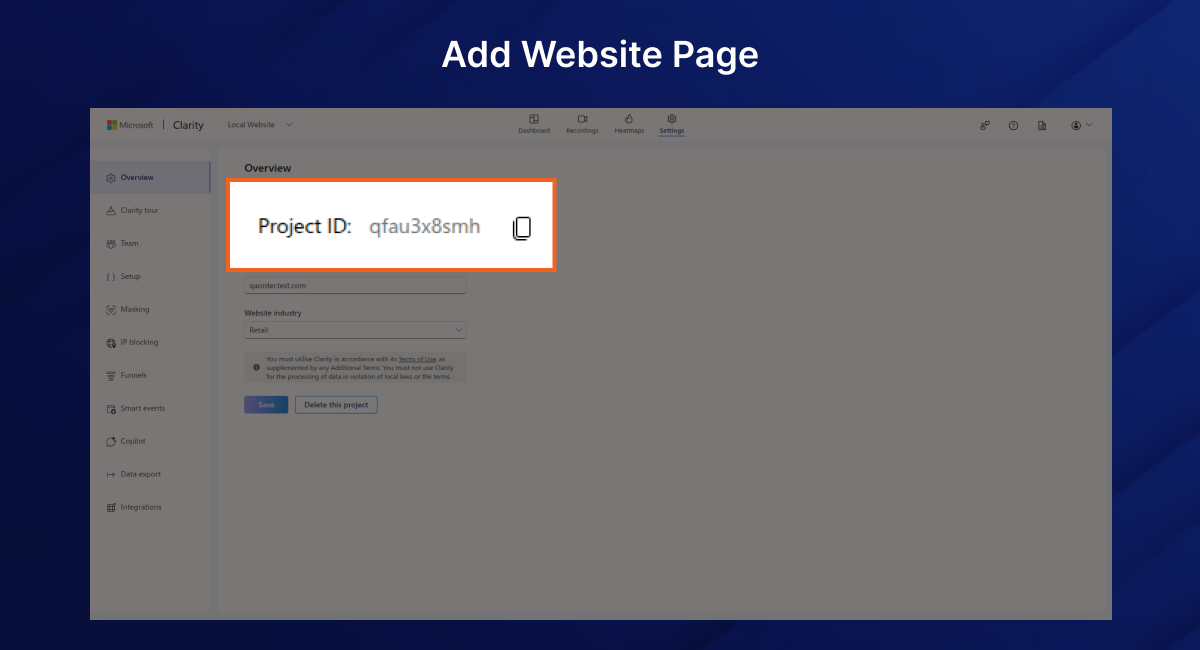
Go to Stores > Configuration > Microsoft Clarity Settings, enable the Magento 2 Microsoft Clarity Extension, and enter your Clarity Project ID.

Script Auto Injected
Once saved, the Clarity tracking script is automatically embedded in the <head> section of every frontend page.

  1. Customer Behavior Captured
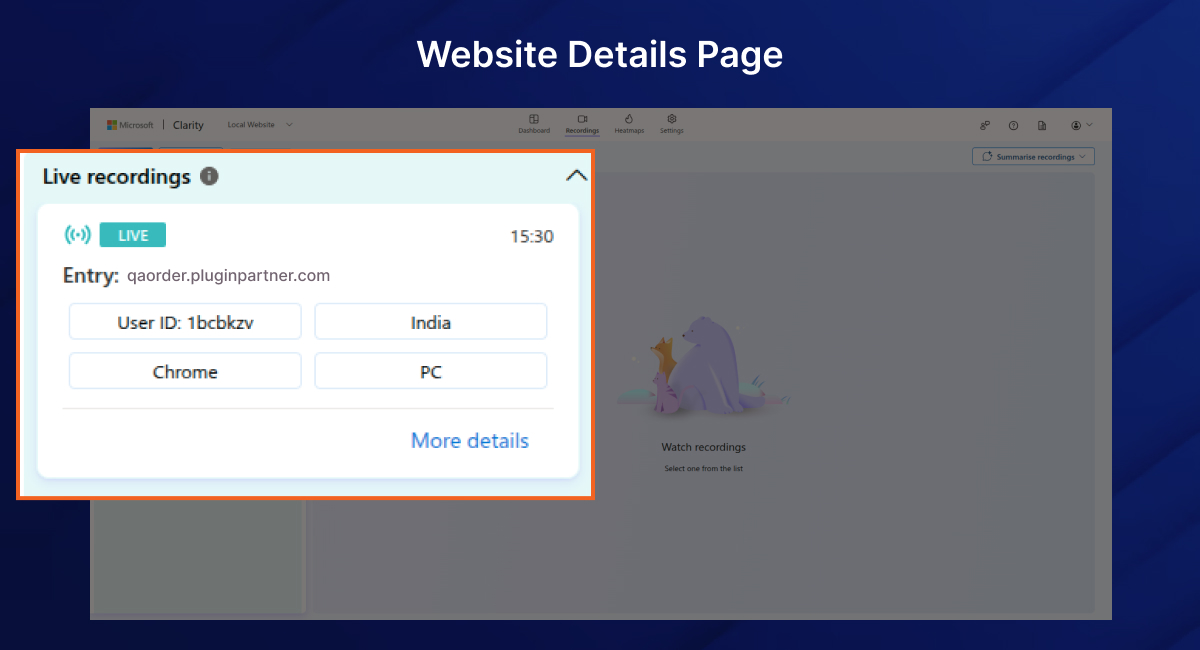
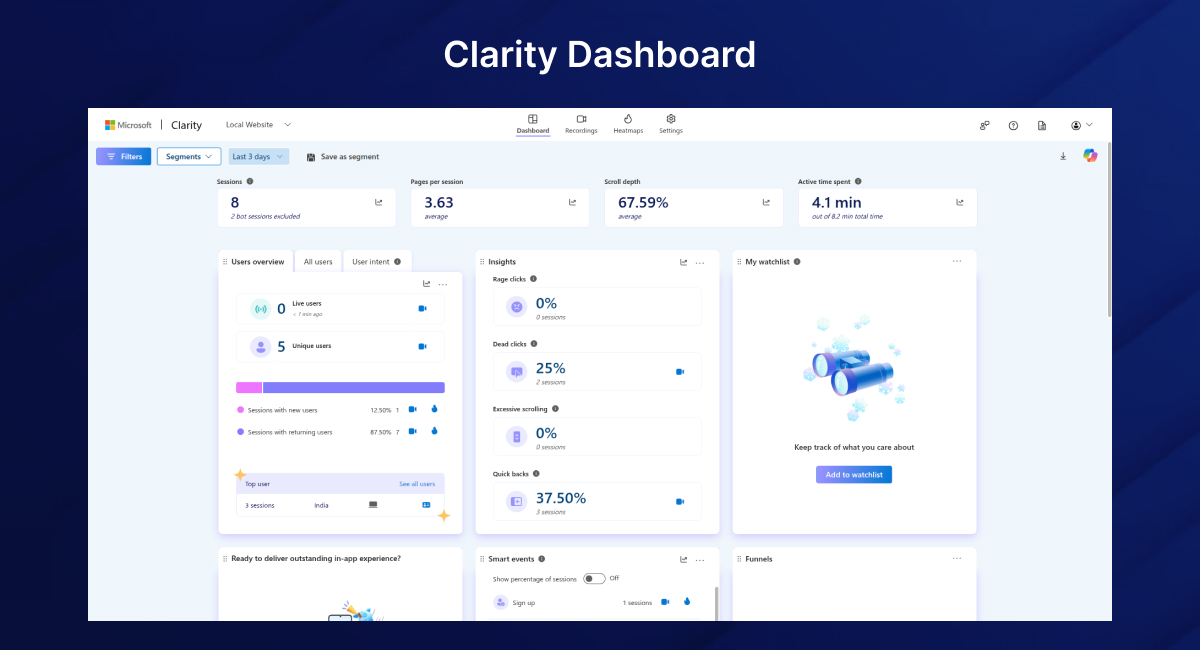
    All customer interactions — page visits, clicks, scrolls, etc. — are recorded using the Magento 2 session recording extension and securely sent to the Microsoft Clarity Dashboard.
  2. Analyze in Microsoft Clarity
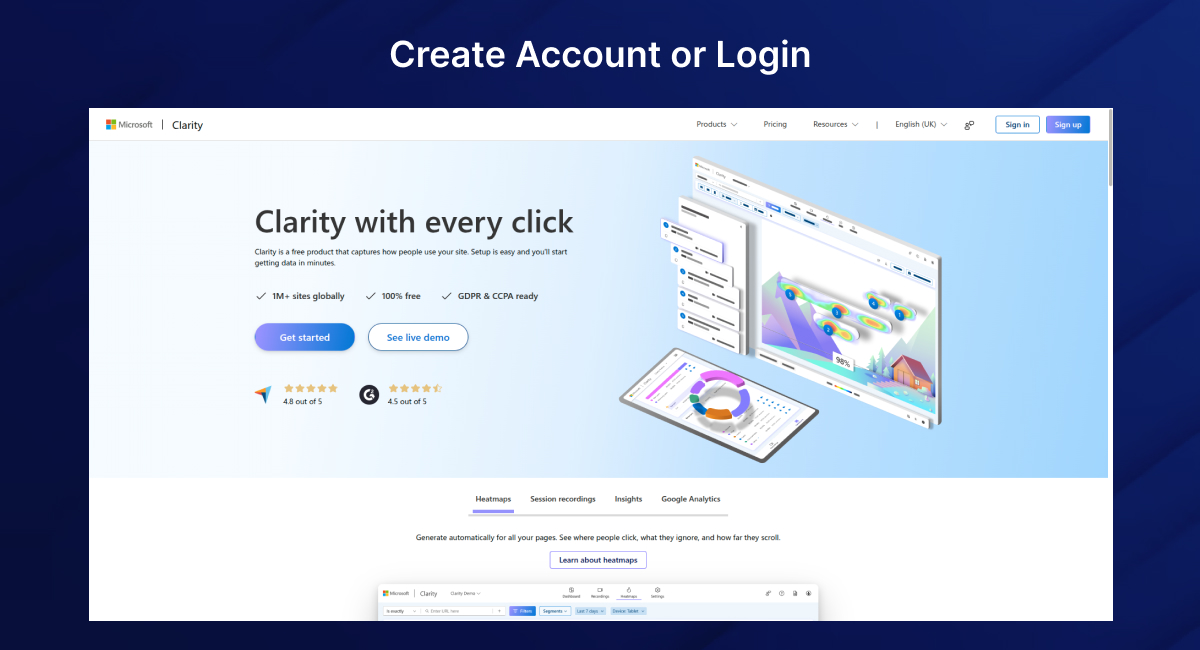
    Log in to your Clarity account to access detailed session replays, heatmaps, and insights. This Magento 2 extension for user insights and behavior analytics helps improve UX and optimize conversions.

Admin Configuration

Location: Stores > Configuration > Microsoft Clarity > Integration Settings

Setting NameDescription
EnableEnable or disable the Magento 2 Microsoft Clarity Connector
Clarity Project IDYour Microsoft Clarity Project ID

Use Cases

  • Identify user drop-off points on checkout or landing pages using Magento 2 conversion optimization extension
  • Improve product page layouts with Magento 2 heatmap extension insights
  • Optimize navigation flow using session recordings from Magento 2 session recording extension
  • Monitor real-time UX issues without waiting for support tickets

Installation Guide (Optional Section)

composer require vendor/microsoftclarity

php bin/magento module:enable Vendor_MicrosoftClarity

php bin/magento setup:upgrade

php bin/magento cache:flush

Data & Privacy

This module uses the official Microsoft Clarity JavaScript SDK. All user session data is sent securely to Microsoft’s servers and managed under their privacy policy. No personal information is stored on your Magento server.

 Compatibility

  • Magento Open Source & Commerce 2.3.x – 2.4.x
  • PHP 7.3 – 8.2
  • Compatible with all major themes (Luma, Hyvä, etc.)

Support

For assistance or feature requests, feel free to contact us via [support@pluginpartners.com]
Add a review
Microsoft Clarity Connector Microsoft Clarity Connector
Rating*
0/5
* Rating is required
Your review
* Review is required
Name
* Name is required
Add photos or video to your review
4.3
Based on 61 reviews
5 star
43
43%
4 star
41
41%
3 star
16
16%
2 star
0%
1 star
0%
Anonymous
Anonymous
Verified ownerVerified owner
5/5
10 months ago
Anonymous
Anonymous
Verified ownerVerified owner
5/5
10 months ago
Anonymous
Anonymous
Verified ownerVerified owner
4/5
10 months ago

Frequently Asked Questions -

Microsoft Clarity Connector

This module integrates Microsoft Clarity into your Magento 2 store, allowing you to track user interactions, view heatmaps, session recordings, and understand customer behavior without manually editing your theme files.

Yes. Microsoft Clarity is completely free to use and offers unlimited heatmaps and session recordings.

No. Once installed, you just need to enter your Clarity Tracking ID in the Magento admin panel and enable the module — no coding required.

You can get your Tracking ID by logging into Microsoft Clarity, creating a new project, and copying the Project ID shown in the setup instructions.

No. The Clarity script is lightweight and loads asynchronously, so it will not affect your site’s performance.

Yes. The module supports configuration at the Store View, Website, or Global scope.

By default, the script is injected on all frontend pages when the module is enabled. You can customize this behavior if needed.

Yes. The module uses Magento’s standard layout and template system, ensuring compatibility with most custom and third-party themes

Yes. The module is tested and compatible with Magento 2.3.x and 2.4.x.

Simply go to:
Stores > Configuration > PluginPartner > Microsoft Clarity Integration and set Enable Clarity to No.

Yes. Microsoft Clarity automatically masks sensitive information like passwords, credit card numbers, and personal identifiers. However, always review Microsoft Clarity’s privacy policy for compliance with your store's data policy.

Yes. Clarity works perfectly alongside Google Analytics or other analytics tools without interference.

Module Name

PluginPartner – Microsoft Clarity Integration

Compatibility

Magento Open Source & Adobe Commerce 2.3.x – 2.4.x

PHP Compatibility

PHP 7.4, 8.1, 8.2, 8.3

Magento Edition

Open Source (CE), Adobe Commerce (EE)

Supported Browsers

Chrome, Firefox, Safari, Edge

Multi-Store Support

Yes

Scope Levels

Global, Website, Store View

Ease of Installation

Composer / Manual

Frontend Impact

Lightweight, Asynchronous Script Injection

Admin Configuration

Yes – Enable/Disable, Tracking ID Field

Dependencies

Microsoft Clarity Account & Tracking ID

Code Quality

PSR-4 Compliant, Magento 2 Coding Standards

Translation Ready

Yes

License

MIT License

Version

1.0.0

All notable changes to this project will be documented in this file.

## [1.0.0] - 2025-08-08
### Added
- Initial release of **PluginPartner - Microsoft Clarity Integration** for Magento 2.
- Added system configuration section under **PluginPartner** for Clarity settings.
- Option to enable/disable Microsoft Clarity tracking from the admin panel.
- Field to set the Microsoft Clarity Tracking ID (Project ID).
- Frontend template and layout integration to inject Clarity script dynamically.
- PSR-4 autoload support via `composer.json`.
- Documentation including `README.md` and `CHANGELOG.md`.

Recommended For You

We analyze your business, customer journeys, and competitors to define a clear roadmap. Using AI insights, we recommend premium Magento 2 extensions and pricing packages that drive ROI and long-term success.

PluginPartner Admin Logo for Magento is a lightweight extension for Magento 2...
Fair Price Tracker Extension for Magento 2 helps customers make smarter buying...
The Magento 2 Admin Logo Extension by PluginPartner allows you to replace...

$100

Our TechScribe

We analyze your business, customer journeys, and competitors to define a clear roadmap. Using AI insights, we recommend premium Magento 2 extensions and pricing packages that drive ROI and long-term success.

From idea to implementation

Unlock Smarter E-Commerce

Magento continues to evolve with each release, bringing enhanced performance, stronger security, and improved features for merchants and developers. The release of Magento 2.4.8 introduces critical security patches, platform enhancements,...

Newsletter popups are the most effective way of generating leads on Magento 2. This guide...

Slow-loading product images are bad for SEO, UX, and conversion. Discover tried and tested solutions...